A2P 10DLC Compliance Screenshots
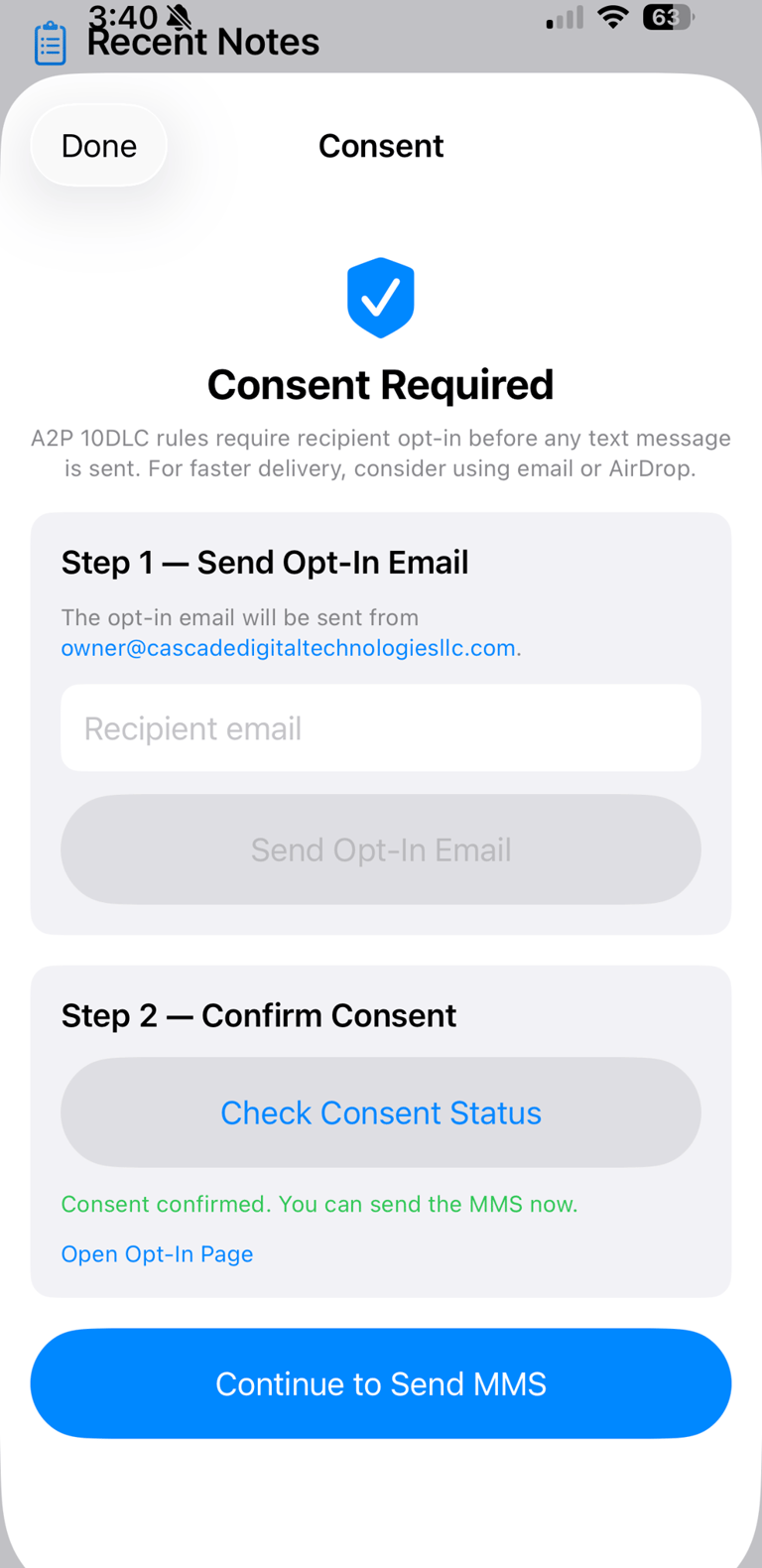
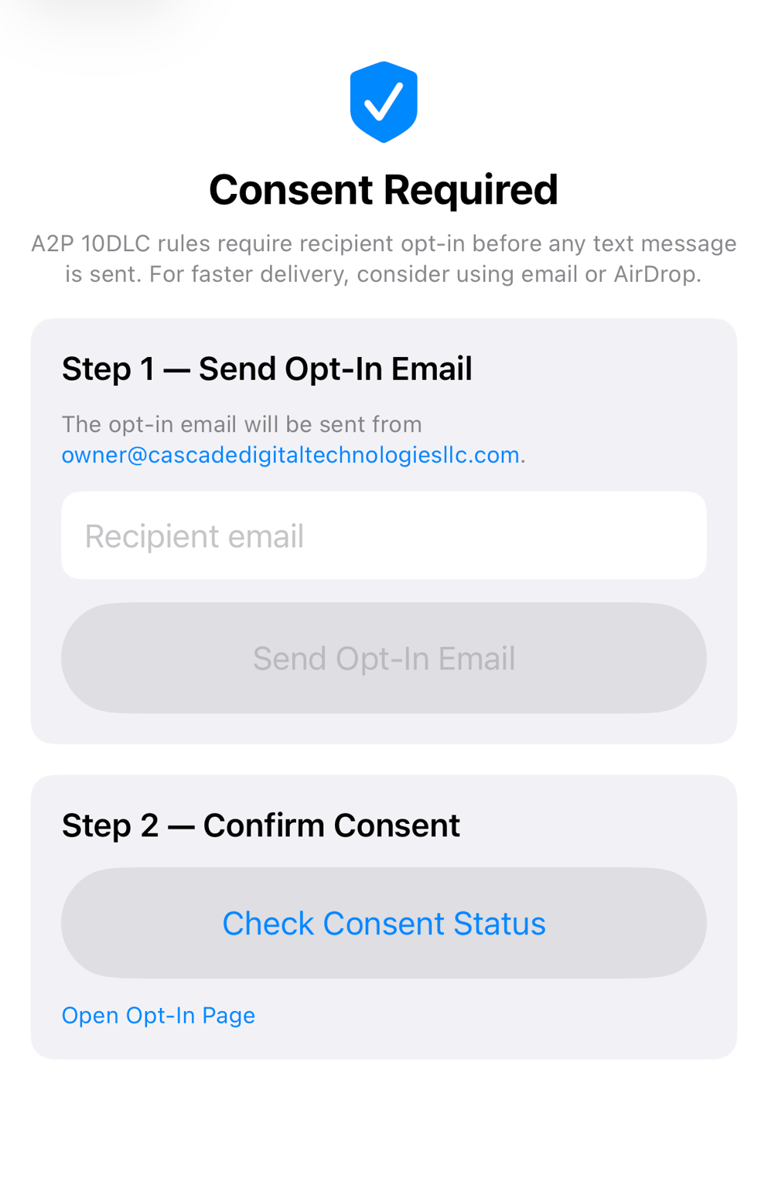
Recipients opt in by visiting https://cascadedigitaltechnologiesllc.com/cathreportopt-in where they enter their full name and phone number, check a TCPA consent box that reads "I consent to receive text messages from cathReport containing medical procedure imaging results. Message and data rates may apply. Message frequency varies. Reply STOP to opt out at any time. Reply HELP for help," and tap "I Agree — Opt In." Consent is logged with name, phone, IP address, and timestamp. The iOS app verifies consent via API before each send. If no consent exists, the send is blocked. Screenshots of the full workflow are at https://cascadedigitaltechnologiesllc.com/a2p-compliance
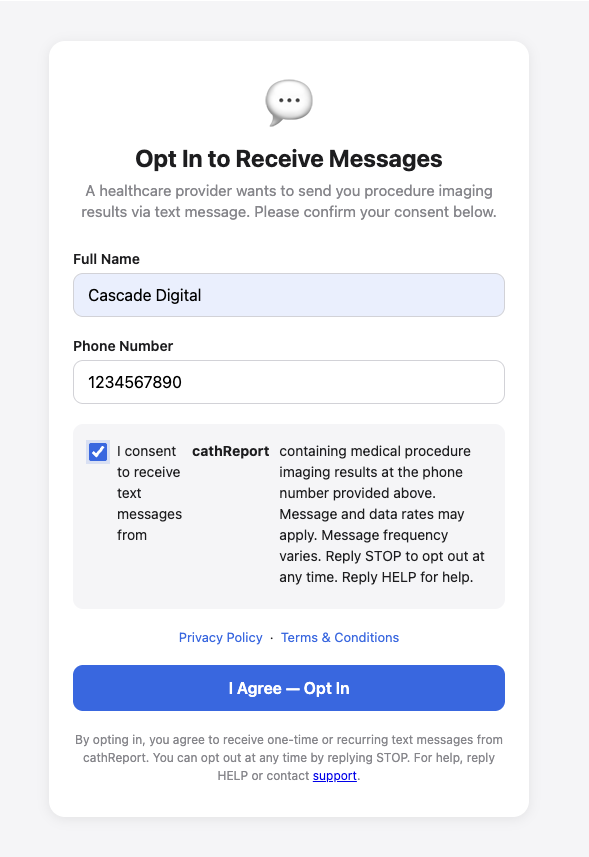
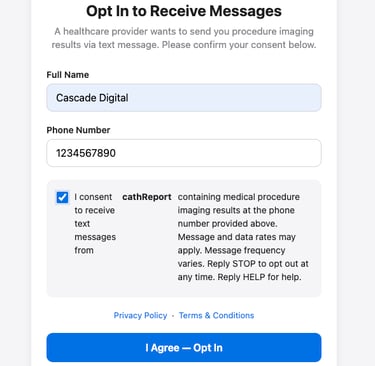
Screenshot 1 — Opt-In Web Form
Opt-In Web Form — Recipients enter their name and phone number, agree to the TCPA-compliant consent disclosure, and tap "I Agree — Opt In" before any message can be sent.
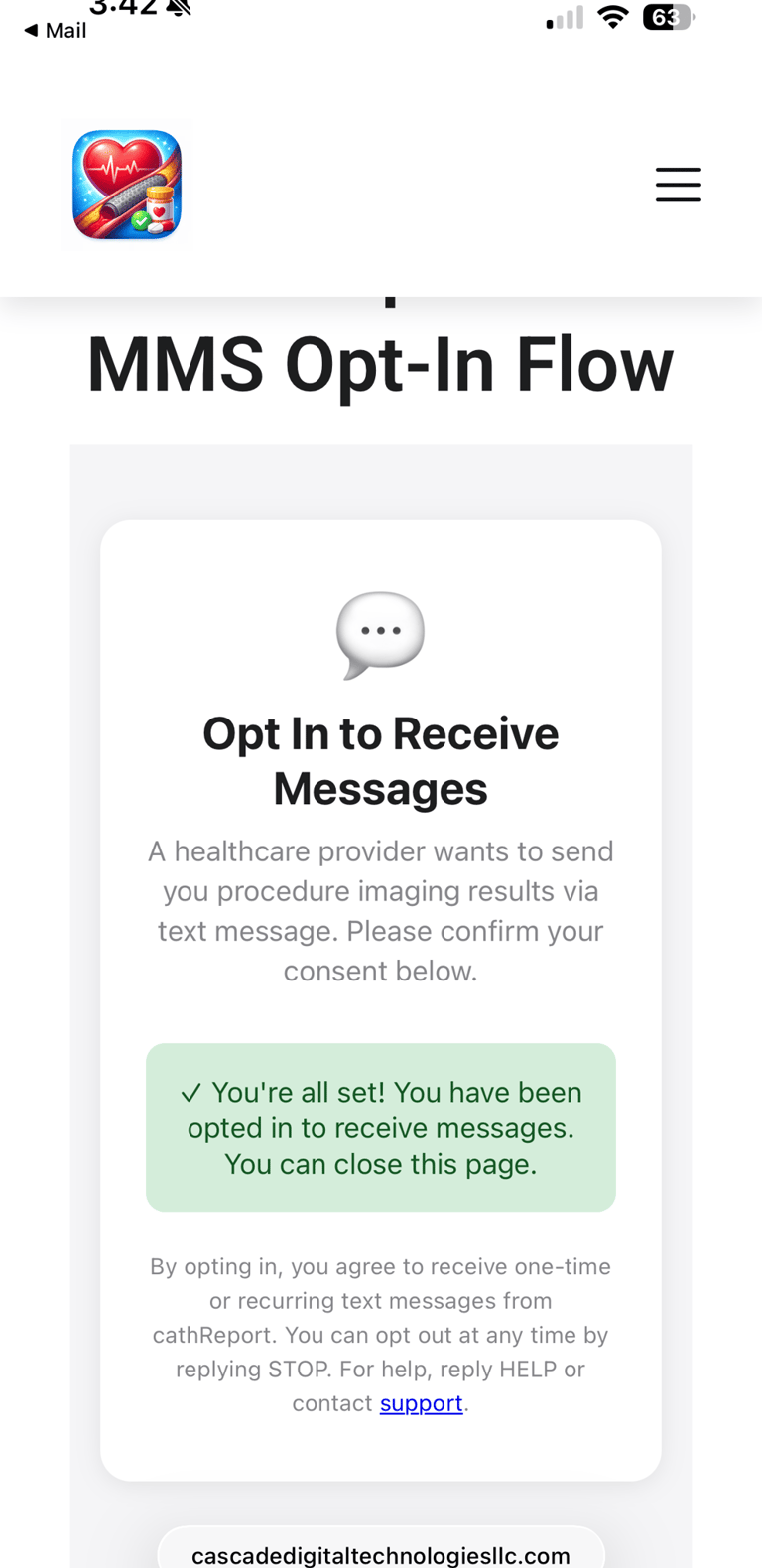
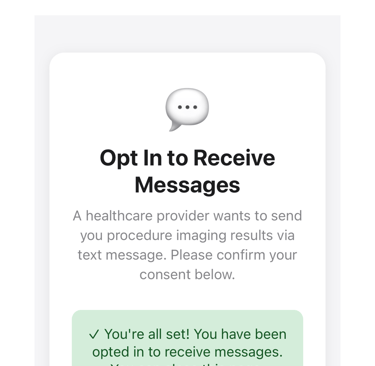
Screenshot 2 — Opt-In Confirmation
After submitting the form, the recipient sees a confirmation that their consent has been recorded.
Screenshot 3 — Consent Required
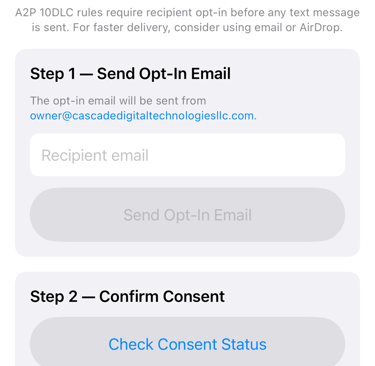
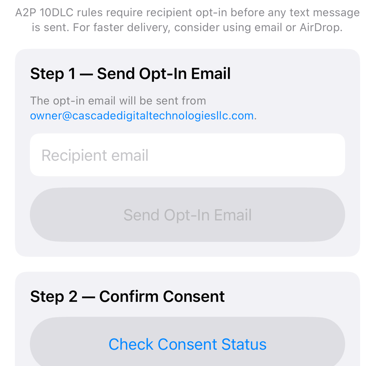
If the recipient has not opted in, the app blocks the send and provides a way to share the opt-in link with the recipient.
Screenshot 4 — Consent Verified
Consent Verified — After the recipient opts in, the app confirms their consent status and enables the send button.